
For Hotels & buffets
Run breakfast, banquets and outlets from one costed recipe system.
Hotel kitchens juggle volume, multiple outlets, strict food-safety paperwork and teams that speak several languages. AKROUN FOOD AI gives the brigade one place for recipes, stock, labels and costs — in English, Arabic and French.
The daily reality
What usually goes wrong
- Buffet production planned by habit, so waste at the end of service is accepted as normal.
- Stock counted differently by every outlet and ordered by phone.
- HACCP labels that are inconsistent between shifts.
- Nobody can say what the breakfast buffet costs per cover this month.
- Recipes in the executive chef’s notebook, not in the team’s hands.
How AKROUN FOOD AI helps
Feature: Inventory console
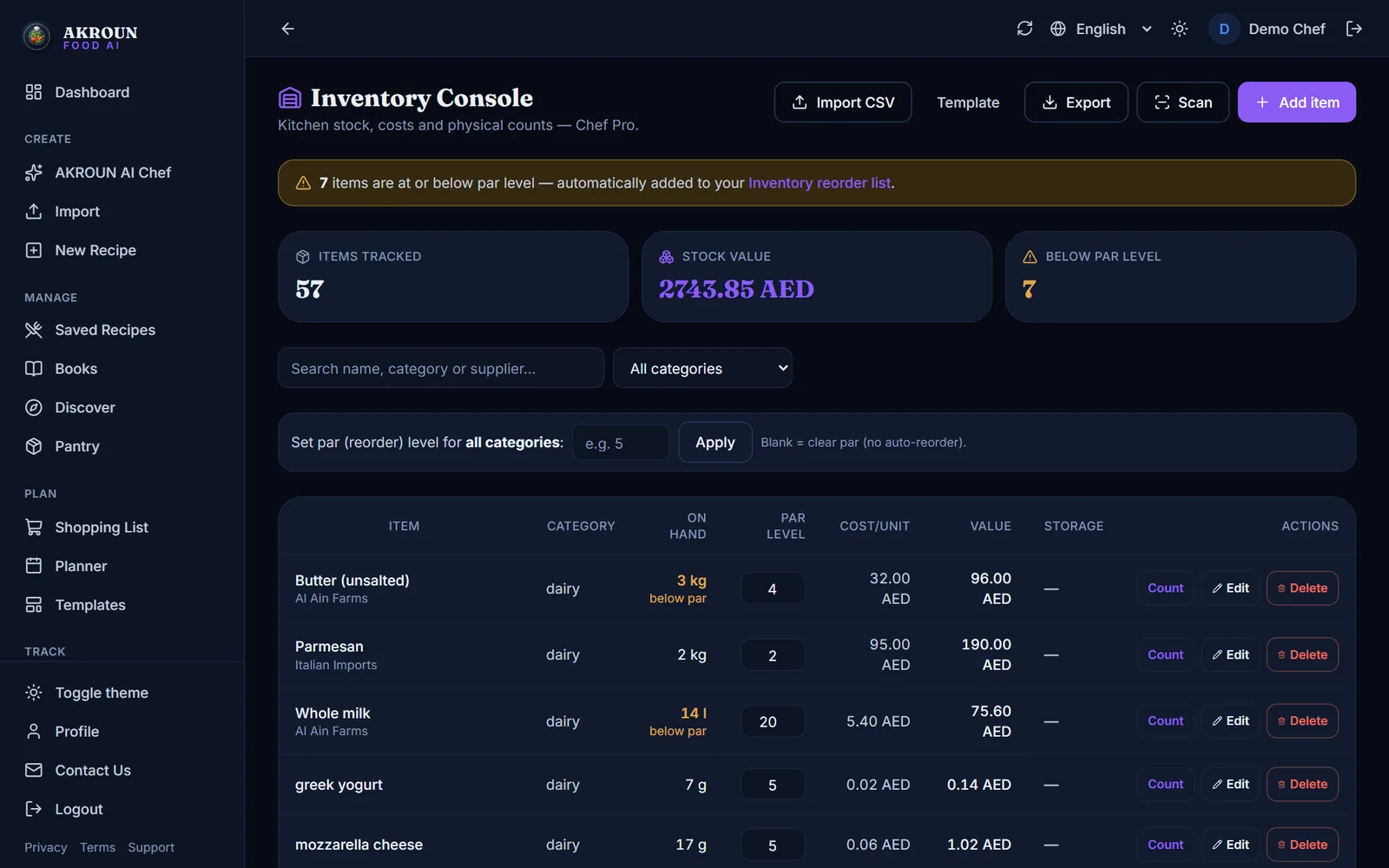
One inventory console for the whole kitchen
Stock items with cost per unit, on-hand quantities, par levels, counts and CSV import/export — the source of truth for every outlet.
Feature: Auto reorder list
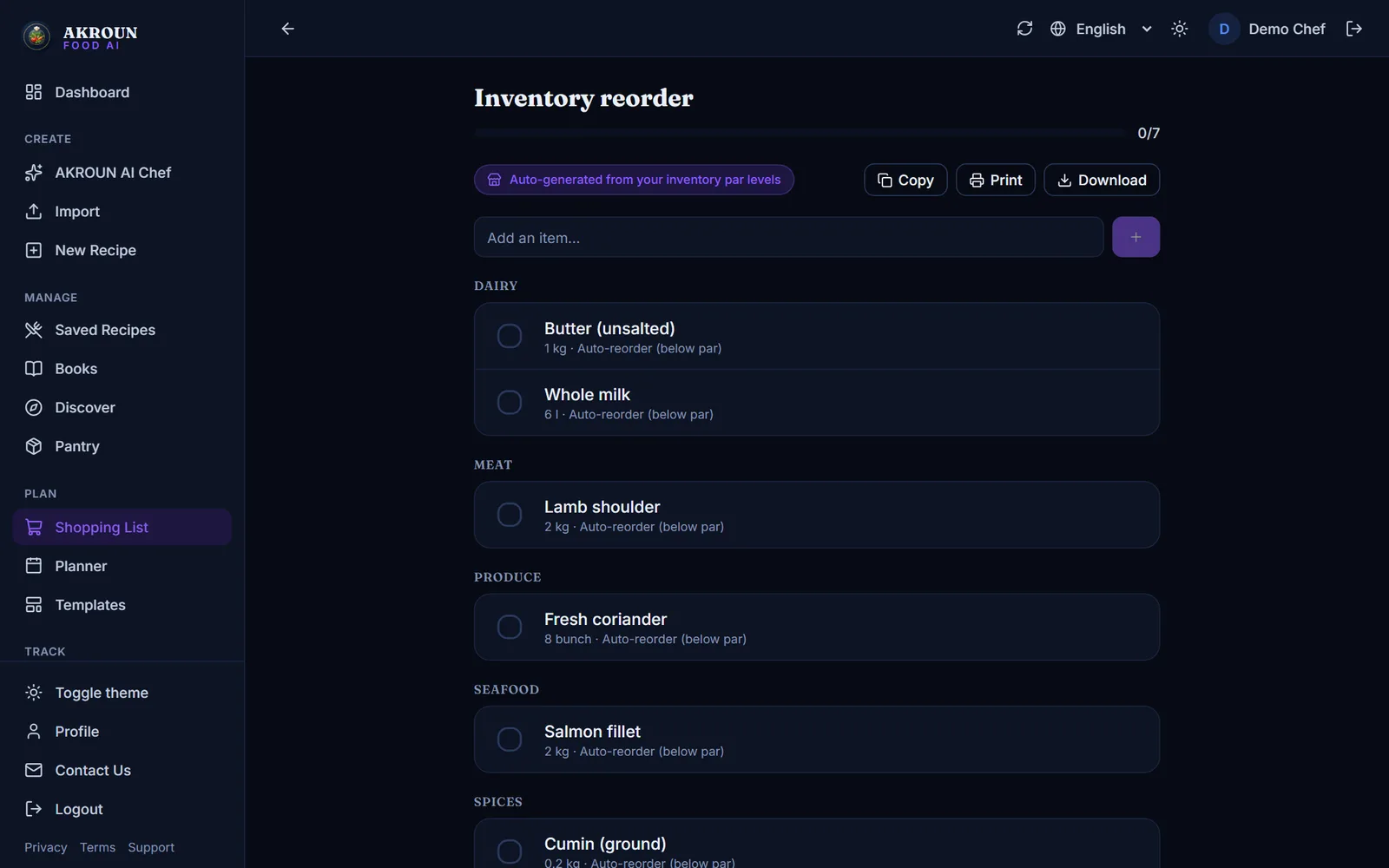
Par levels that reorder themselves
Set a par on any item. Anything below par flows into a dedicated reorder list automatically and drops off when it is back in stock.
Feature: Shelf-life labels
Consistent HACCP labels
Storage type, shelf life and use-by date live on the recipe; allergens are detected from the ingredients. Every shift prints the same label.
Open free toolFeature: Menu cost report
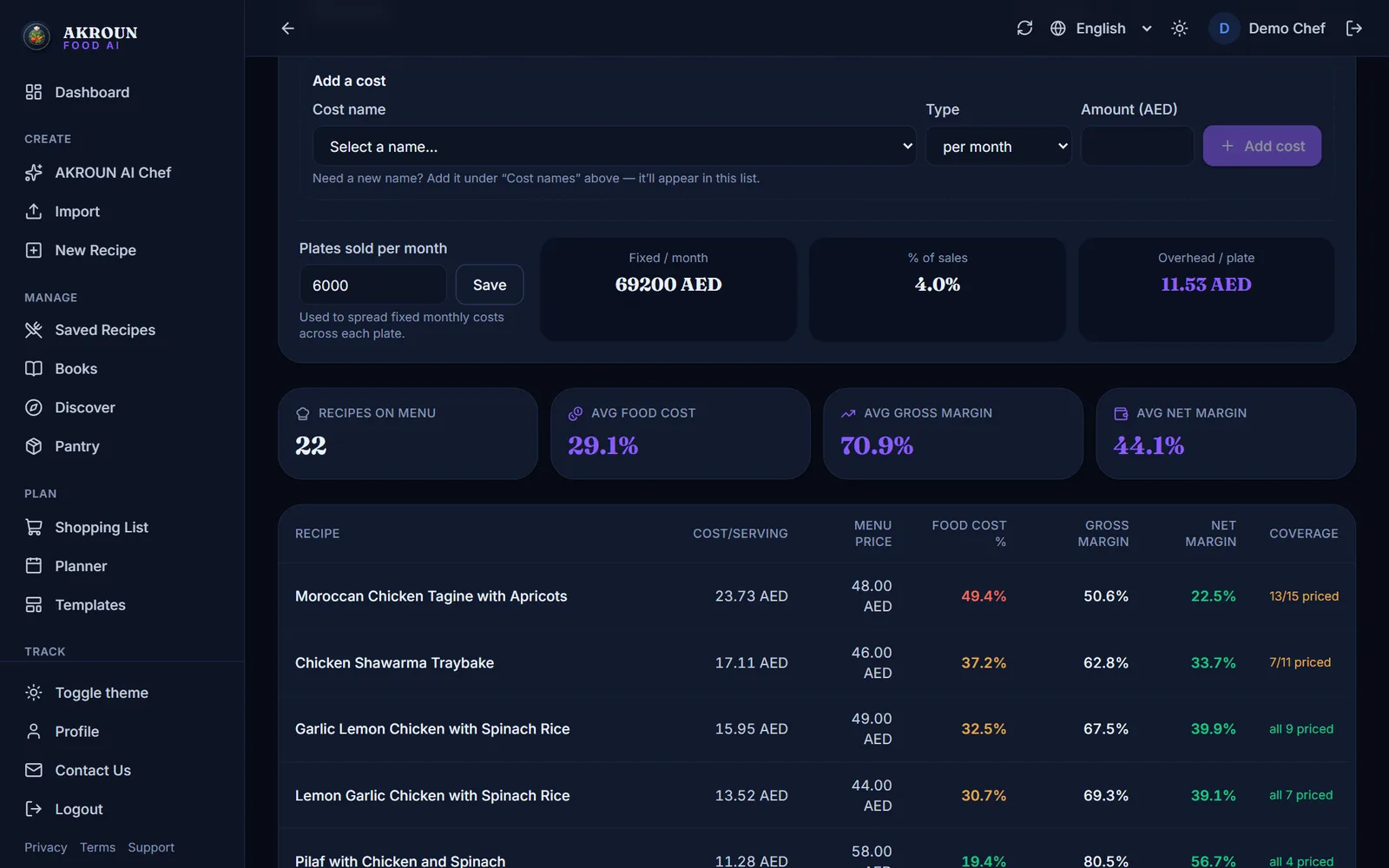
Cost per cover, outlet by outlet
Every recipe is costed against inventory prices; the menu cost report shows food-cost % and margin per dish, with overheads spread per plate.
Feature: Recipe scaling
Scale production to the forecast
Scale any recipe to the expected covers with professional rounding, so production sheets match the forecast instead of last week’s guess.
Open free tool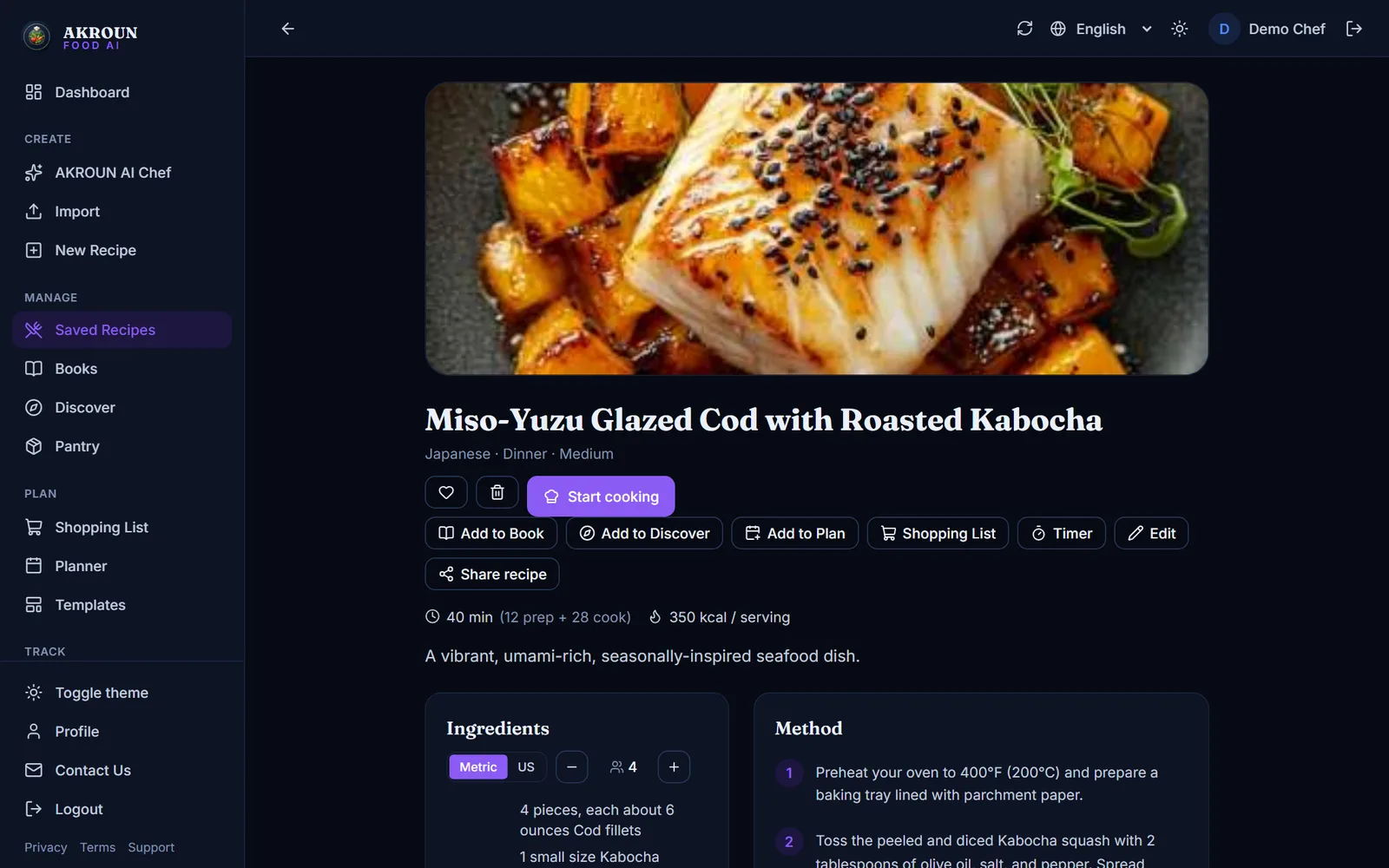
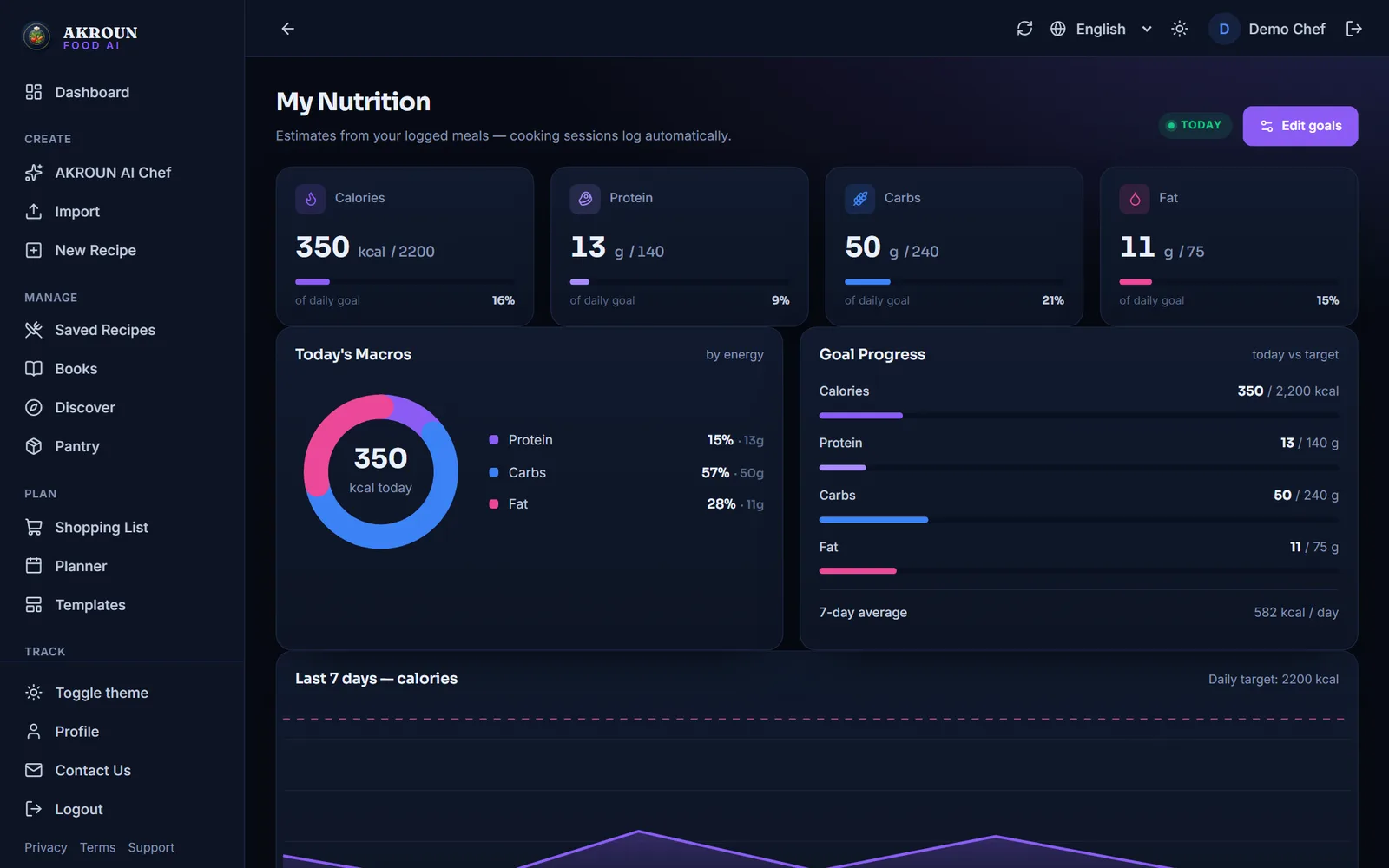
Feature: Nutrition tracking
Nutrition on the buffet card
Per-serving nutrition is computed for each recipe and can be exported, so buffet cards and dietary requests are answered from data.
Also for this kind of kitchen
Try it free in your browser
No account needed — the same maths the app runs, as free tools.
From the journal
Articles written for this kind of kitchen.
How to Make a Menu with Calories, Allergens and a QR CodeTurn your recipes into a printed menu with calories and allergens, a QR menu your guests open on their phone, and an allergen chart for your team — step by step.Read article
How to Run an Internal Food Safety Audit (International Standard)Walk your kitchen with a 71-point checklist, take temperature readings, get a grade from A+ to E and close every corrective action — step by step, with screenshots.Read article
Shelf-Life Labels Every Professional Kitchen Should PrintA prep label is the cheapest food-safety tool you own. Here is what belongs on it, how to set shelf life by storage type, and the mistakes inspectors notice first.Read article
Questions hotel kitchens ask
Can several people work in the same account?
Each account is one kitchen workspace. A shared Chef Pro account works for a brigade today; dedicated multi-user roles are on the roadmap.
How do labels handle allergens?
Allergens are detected from the recipe’s ingredients across the 14 regulated groups and printed on the label; unmatched ingredients are flagged for manual check.
Does the AI understand Arabic requests?
Yes — the AI Chef answers and writes recipes in Arabic, English or French, and the interface is fully right-to-left in Arabic.
Can we import our existing stock list?
Yes, from CSV (Excel “save as CSV”). Common column names are recognised automatically and there is a template to download.
Bring the brigade onto one system
Start free, then unlock inventory, labels and menu costing with Chef Pro.