
For Catering & events
From a tasting for four to a wedding for four hundred — same recipe, right numbers.
Caterers live by the headcount. Every quote, every prep list and every label depends on getting quantities and costs right for a number that keeps changing. AKROUN FOOD AI keeps the recipe as the single source of truth and does the arithmetic for you.
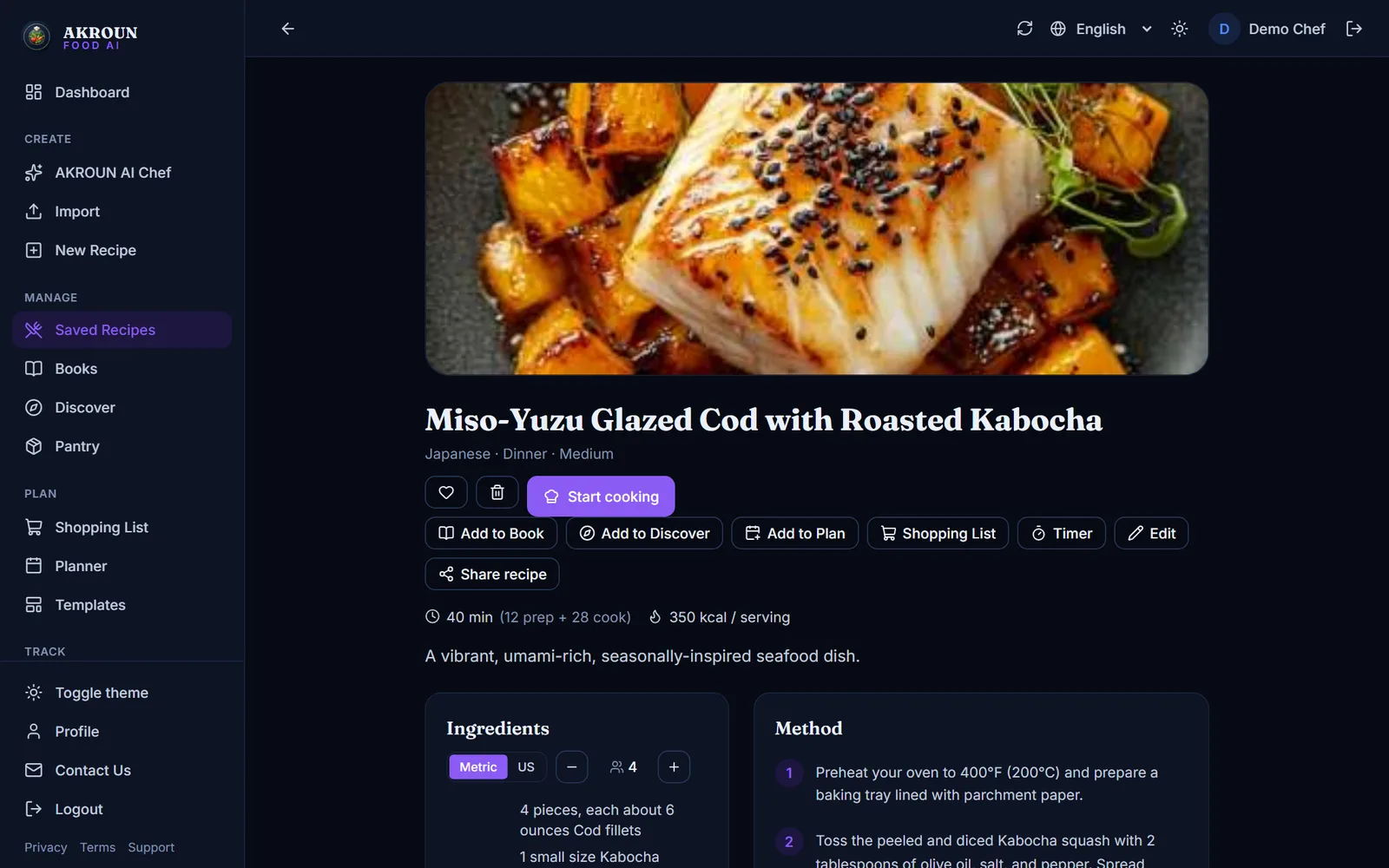
The daily reality
What usually goes wrong
- Scaling a recipe by hand for 180 guests, then the client moves to 215.
- Quoting an event without knowing the real cost per plate.
- Prep labels written on tape — no use-by date, no allergens — on food that travels.
- One shopping list per event rebuilt from scratch every time.
- Last-minute menu changes with no time to re-cost.
How AKROUN FOOD AI helps
Feature: Recipe scaling
Scale any recipe to the headcount
Change the portion count and every ingredient is rescaled with culinary rounding — 2 ¼ tsp, not 2.2499 — with warnings on seasonings that do not scale linearly.
Open free toolFeature: Plate cost
Quote from the real plate cost
Each recipe is costed from your purchase prices. See cost per plate and per batch, set a target food-cost % and get the price you need before you send the quote.
Open free tool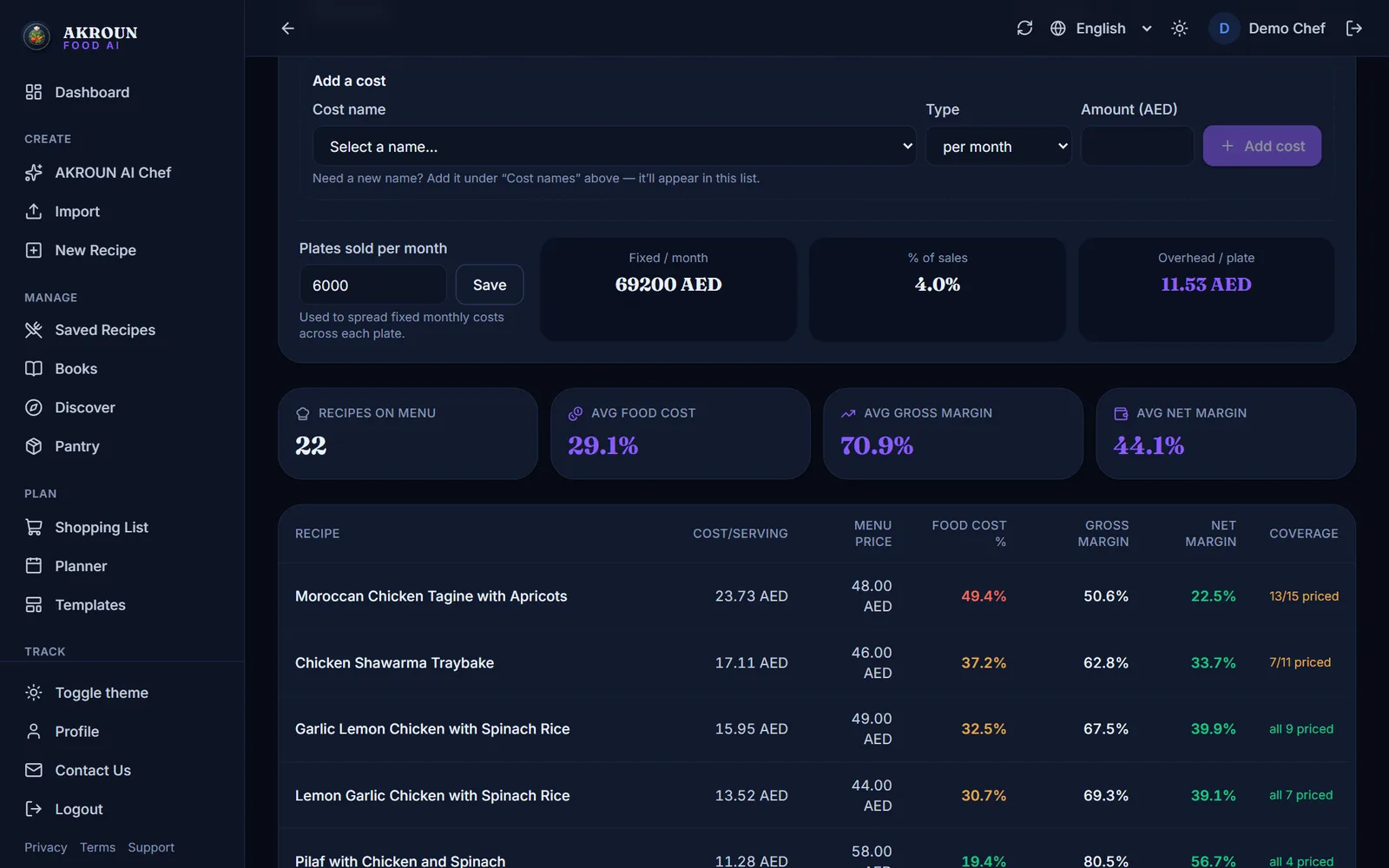
Feature: Shelf-life labels
Print transport-ready labels
Storage type, prep date, calculated use-by and the allergens detected from the ingredients, printed on a clean label from the recipe page.
Open free toolFeature: Smart shopping lists
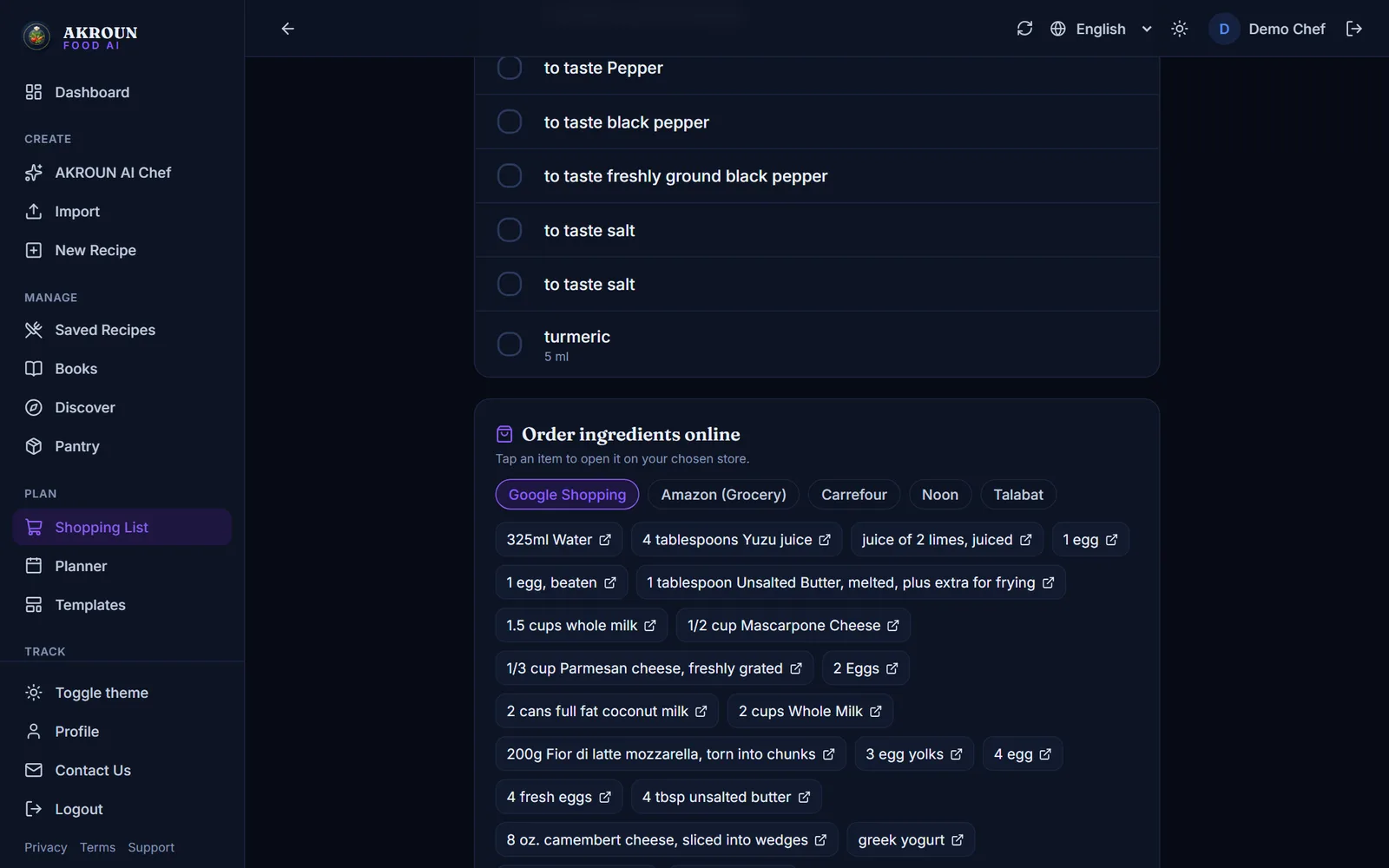
One shopping list per event
Build the list from the menu and the portion count, grouped by category, with buy links per ingredient at local stores.
Feature: AKROUN AI Chef
Draft new menus with the AI Chef
Describe the brief — cuisine, dietary rules, budget — and get complete professional recipes as drafts you review before they enter your library.
In the app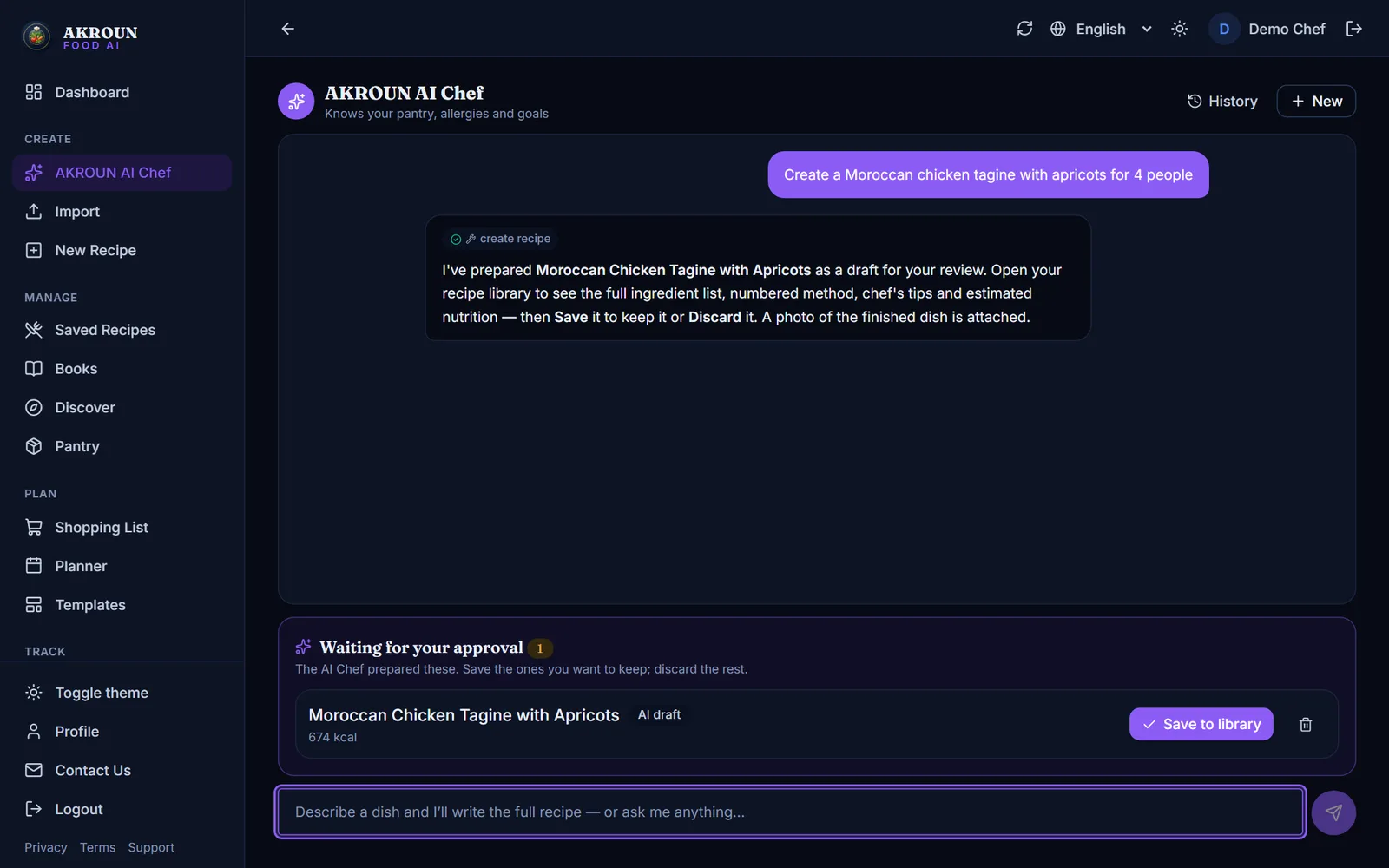
Feature: Allergen safety
Allergies are hard rules
Declared allergies are never overridden by the AI, and every recipe shows the allergens it contains so the client paperwork is right first time.
Also for this kind of kitchen
Try it free in your browser
No account needed — the same maths the app runs, as free tools.
From the journal
Articles written for this kind of kitchen.
How to Give Your Kitchen Staff Their Own Accounts and RolesInvite up to 6 staff, give each a role — manager, chef/cook or front of house — and see who logged what. Cooks never see prices. Step by step.Read article
How to Track Food Waste in Your Kitchen and What It CostsLog what is thrown away and why in a few seconds, see what it costs by day, by reason and by item, and track buffet leftovers — step by step.Read article
How to Use the Menu Engineering Matrix: Stars, Plowhorses, Puzzles and DogsFind out which dishes make you money and which only keep the kitchen busy — from your real sales and food costs — and what to do with each one.Read article
Questions caterers ask
Can I keep one recipe and produce versions for different headcounts?
Yes. The recipe stays the same; scaling is done on the fly for any number of portions, and the scaled list can be copied into a shopping list.
Do I need to enter every supplier price?
Costing uses your inventory prices. Enter the items you actually buy (or import a CSV from your supplier) and recipes that use them are costed automatically; unmatched lines are flagged.
Can my team use it in Arabic or French?
The whole app, including the AI Chef, works in English, Arabic (right-to-left) and French.
Is there a free way to try it?
The free tools (scaler, plate cost, labels) need no account, and the guest AI Chef lets you generate one recipe without signing up.
Cost the next event in minutes
Start free — recipes, scaling and shopping lists are included; costing, labels and inventory come with Chef Pro.